Business Process Automation ROI for Chicago Businesses
Calculate the ROI of business automation for your Chicago company. Identify high-value automation opportunities and measure bottom-line impact.
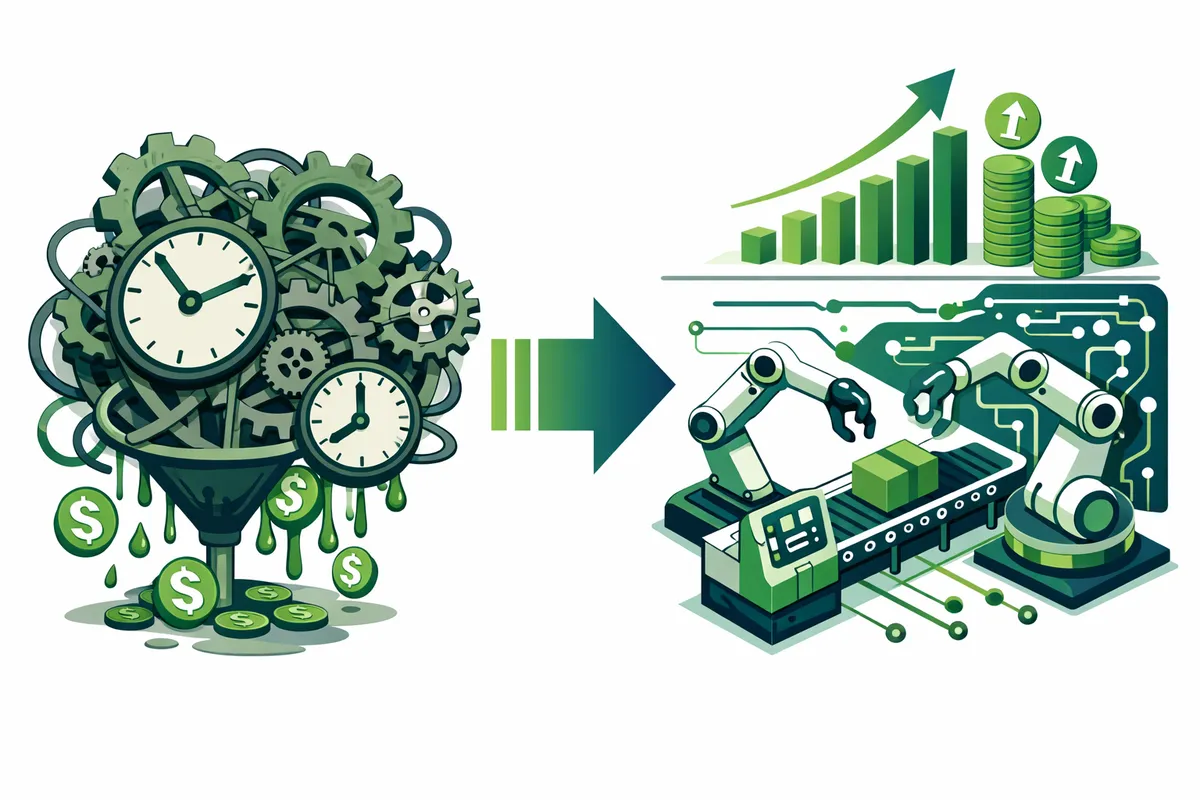
How to Calculate Automation ROI
We use a straightforward ROI framework for every automation opportunity.
Step 1: Measure the current process. How many times per month does this process run? How many minutes does each execution take? Who performs it and what is their loaded hourly cost? What is the error rate?
Step 2: Calculate current cost. Monthly executions multiplied by time per execution multiplied by hourly cost equals direct labor cost. Add estimated costs of errors: rework time, customer impact, and downstream consequences.
Step 3: Estimate automation cost. What does the automation tool cost (monthly subscription)? What is the implementation cost (setup, configuration, integration, testing)? What is the ongoing maintenance cost (monitoring, updates, troubleshooting)?
Step 4: Calculate payback period. Total implementation cost divided by monthly savings equals months to payback. For most Chicago business automations, the payback period is 2 to 6 months. Any automation with a payback period under 12 months is a strong investment.
Example: Chicago professional services firm. A consulting firm in the Loop processes 150 client invoices monthly. Manual process: 15 minutes per invoice (creating, reviewing, sending, tracking). Annual labor cost: $20,250. After automation: 2 minutes per invoice for exception review only. Annual labor cost: $2,700. Automation tool cost: $200/month ($2,400/year). Net annual savings: $15,150. Payback period: 6 weeks.
Highest-ROI Automation Opportunities by Industry
Chicago's business landscape spans diverse industries, each with specific automation opportunities.
Financial Services and Fintech
The concentration of financial services firms along LaSalle Street and in the Loop creates a massive market for process automation. High-value automation targets include: client onboarding workflows, compliance documentation, report generation, data reconciliation between systems, and regulatory filing preparation.
Financial services firms typically see 40 to 60% time reduction in compliance workflows through automation. For a firm where compliance staff costs $80,000 to $120,000 annually, recovering 40% of that time represents $32,000 to $48,000 in redirected capacity per employee.
Professional Services
Law firms, consulting firms, and accounting practices in the Loop and River North are high-value automation targets. Automation opportunities include: client intake processes, document generation from templates, time tracking and billing, engagement letter preparation, and deadline tracking.
The average professional services firm in Chicago automates 30 to 50% of their administrative workflow within six months. The time saved goes directly to billable hours, making the ROI calculation especially favorable. If a consultant bills $200/hour and recovers 5 hours per week through automation, that is $4,000 per month in additional billing capacity.
Healthcare
Chicago's healthcare ecosystem includes major hospital systems, specialty clinics, and health tech startups. Automation targets include: patient scheduling and reminders, insurance verification, referral management, follow-up scheduling, and patient communication workflows.
Healthcare automation directly impacts patient volume and satisfaction. A clinic in Lincoln Park that automates appointment reminders reduces no-show rates by 20 to 40%, recovering thousands of dollars in lost revenue monthly.
E-commerce and Retail
Consumer brands in Wicker Park, Logan Square, and Fulton Market automate inventory management, order processing, customer service responses, review solicitation, and marketing workflows. For brands selling across multiple channels (Amazon, Shopify, retail), automation eliminates the manual data synchronization that creates errors and wastes hours.
Food and Hospitality
Chicago's restaurant and hospitality industry automates reservation management, vendor ordering, staff scheduling, customer feedback collection, and marketing communications. For restaurant groups operating multiple locations, standardized automation across locations creates consistency and frees managers for customer-facing work.
Building an Automation Roadmap
We do not recommend automating everything at once. That approach overwhelms teams, creates resistance, and often results in poorly implemented automations that create more problems than they solve.
Phase 1: Quick wins (Month 1). Identify 2 to 3 processes that are high-frequency, low-complexity, and high-pain. These are the processes your team complains about most, the ones that run daily, and the ones that follow a predictable pattern every time. Automate these first to build momentum and demonstrate value.
Common quick wins for Chicago businesses: email follow-up sequences, appointment reminders, data entry from forms to CRM, weekly report generation, and invoice creation from time tracking data.
Phase 2: Core workflows (Months 2 to 3). Automate the processes that consume the most labor hours. These are more complex and require careful implementation, but they deliver the largest ROI. Customer onboarding, sales pipeline management, project kickoff workflows, and vendor management processes fall into this category.
Phase 3: Integration and optimization (Months 4 to 6). Connect automated processes to each other so data flows seamlessly between systems. A new customer signed in your CRM automatically triggers an onboarding workflow, which creates a project in your project management tool, which schedules kickoff tasks, which sends welcome communications. The entire chain runs without human intervention.
Phase 4: Advanced automation (Month 6 and beyond). Conditional logic, exception handling, and AI-assisted decision-making. Automations that route different types of requests to different teams based on content. Processes that escalate automatically when they exceed time thresholds. Reporting dashboards that aggregate data from all automated processes and surface trends.
Tools for Chicago Business Automation
The automation tool landscape is large and growing. We recommend tools based on your specific needs, technical capabilities, and budget. Here are the categories that matter.
Workflow automation platforms. Connect your existing tools and automate data movement between them. When X happens in System A, do Y in System B. These platforms handle most standard automation needs without custom development.
CRM automation. Built into modern CRM platforms. Lead scoring, follow-up sequences, deal stage automation, and reporting. For Chicago B2B businesses, CRM automation typically delivers the highest ROI of any single tool category.
Document automation. Generate contracts, proposals, invoices, and reports from templates using data from your CRM or project management system. Eliminates manual document creation for repeatable formats.
Communication automation. Email sequences, SMS notifications, and chat responses triggered by customer actions. For service businesses in Chicago, automated appointment reminders alone save hours weekly and reduce no-shows significantly.
Custom automation. When off-the-shelf tools do not fit your specific process, custom automation using APIs and scripts fills the gap. We build custom automations for Chicago businesses with unique workflow requirements that standard tools cannot address.
Measuring and Reporting Automation Results
Every automation we implement includes a measurement framework. Monthly dashboards show:
Time saved. Hours per month that were previously spent on manual execution. Tracked by process and by team member.
Error reduction. Number and cost of errors before and after automation. Includes rework time, customer impact, and financial corrections.
Capacity recovered. What your team is doing with the time automation freed up. The ROI of automation is only realized if recovered time goes toward productive work, not additional manual processes.
Process volume. How many times the automation ran, how many exceptions required human intervention, and what the automation success rate is. Healthy automations run at 90%+ success rate with few exceptions.
Financial impact. Total dollar value of time saved, errors avoided, and revenue gained through improved capacity. Reported monthly and quarterly so you can see the investment compounding.
Frequently Asked Questions
Q: How much does business automation cost for a Chicago small business?
Initial implementation for 3 to 5 process automations typically costs $5,000 to $15,000 including tool setup, configuration, integration, testing, and training. Monthly tool costs range from $100 to $500 depending on which platforms you use. Most implementations pay for themselves within 3 to 6 months.
Q: Will automation eliminate jobs?
In our experience, automation changes roles rather than eliminating them. Team members who previously spent time on data entry and manual processes now spend time on customer relationships, strategic work, and quality oversight. Most Chicago businesses that automate successfully end up hiring more people because automation creates growth capacity.
Q: How long does automation take to implement?
Quick wins (email sequences, form routing, simple notifications) can be implemented in 1 to 2 weeks. Core workflow automations take 3 to 6 weeks. Complex integrations and multi-system workflows take 6 to 12 weeks. We implement in phases so you see value early and build momentum.
Q: What if our processes are not standardized enough to automate?
This is common. Many Chicago businesses have processes that vary by person, by day, or by client. Part of our implementation process is documenting and standardizing the process before automating it. Standardization alone often produces efficiency gains even before automation begins.
Q: Do we need technical staff to maintain automations?
No. Modern automation platforms are designed for business users, not engineers. We configure automations with monitoring and alerting so you know when something needs attention. For ongoing maintenance and new automations, we offer support packages tailored to Chicago small business budgets.
Q: What happens when an automation breaks?
Automations include error handling that either resolves issues automatically or routes exceptions to a human for review. We set up monitoring that alerts you when automations fail. Most issues are resolved in minutes. Critical automations include fallback procedures so your business is never stuck waiting for a fix.
Ready to put this into action?
We help businesses implement the strategies in these guides. Talk to our team.