Building Internal Tools for Your Team in Chicago
Build custom internal tools for your Chicago team. Dashboards, admin panels, and workflow tools designed for how your Chicago business operates.
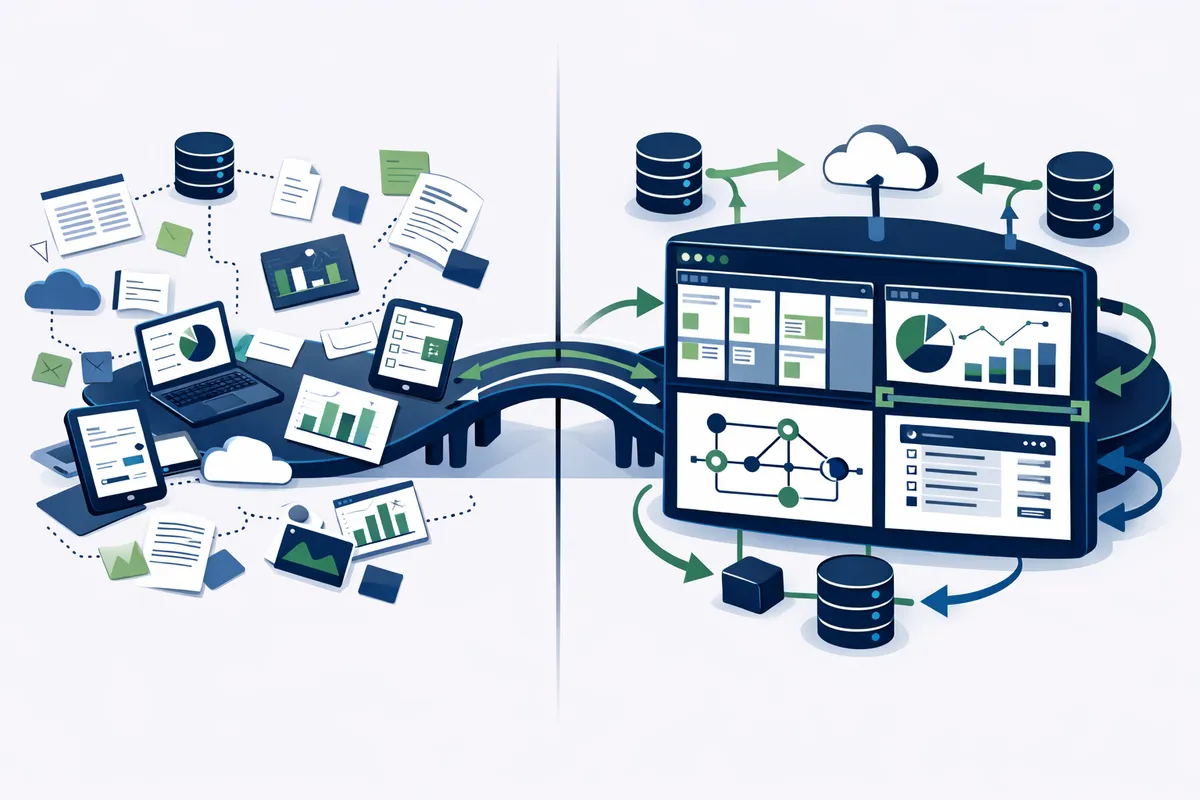
What We Build for Chicago Teams
Internal tools are not consumer products. They do not need to be beautiful. They need to be fast, reliable, and matched to your exact workflow. Here is what we build most frequently.
Operations Dashboards
A single screen that shows everything your operations team needs to know. Real-time order status. Inventory levels. Team availability. Customer requests. Revenue metrics. No more checking 4 different tools to understand what is happening in your business.
A Fulton Market food distribution company replaced their daily stand-up meeting with a live operations dashboard. The team checks the dashboard throughout the day instead of waiting for a 9 AM meeting. Response time to issues dropped from 4 hours to 20 minutes.
Customer Lookup Tools
Your customer data lives in three places: your CRM, your billing system, and your support tickets. When a customer calls, your team opens three tabs and searches three systems. A customer lookup tool consolidates everything into one view. Type a name, see everything.
We built a customer lookup tool for a Loop financial services firm. Account details, transaction history, support tickets, and compliance documents all on one screen. The team that previously spent 6 minutes gathering information per customer call now finds everything in under 30 seconds.
Reporting Automation
Your team builds the same reports every week. Revenue by client. Hours by project. Pipeline by stage. Inventory by warehouse. They pull data from multiple sources, paste it into a spreadsheet, format it, and email it. Every week. The same report.
Automated reporting tools pull data on a schedule, apply your formatting and calculations, and deliver the finished report automatically. The report your analyst spends 4 hours building on Monday morning is ready before they arrive.
Workflow Managers
Your business has unique workflows that no off-the-shelf project management tool supports. Client onboarding with 14 steps that vary by service tier. Quality control processes with branching logic. Approval chains that depend on deal size and client type.
Custom workflow tools match your exact process. No forcing your team to adapt to software that was designed for a different type of business. When your process changes, the tool changes with it.
Data Entry and Form Tools
Your team fills out the same forms with the same information across multiple systems. A custom data entry tool captures information once and distributes it everywhere it needs to go. Auto-fill from existing records. Validation rules that prevent errors. Integration with your other systems so nobody types the same address twice.
The Build Process
We build internal tools in 4 to 8 weeks. Not 4 to 8 months. Internal tools do not need the polish of a consumer product. They need to work correctly and integrate with your existing systems.
Week 1: Discovery and Design
We shadow your team. We watch them work. We ask questions. What data do they look at first? Where do they get stuck? What workarounds have they built? We map the current workflow and identify where a tool would create the most impact.
Deliverables: Workflow map, tool specification, wireframes, data integration plan.
Weeks 2-3: Core Build
We build the primary functionality. Data connections. Core views. Essential workflows. We deploy to a staging environment and put it in front of your team for feedback.
At this stage, the tool is functional but not polished. Your team uses it alongside their existing process. They tell us what works, what is missing, and what is confusing.
Weeks 4-5: Refinement
Based on team feedback, we adjust. Add missing fields. Fix confusing layouts. Optimize slow queries. Add edge cases that emerged during real use. The tool gets closer to matching your actual workflow, not the workflow you described in a meeting room.
Week 6: Launch and Training
The tool goes live. We train your team. We provide documentation. We monitor usage for the first two weeks and fix anything that breaks.
Ongoing: Maintenance and Evolution
Internal tools evolve with your business. Processes change. Teams grow. New requirements emerge. We offer maintenance plans starting at $500/month that cover bug fixes, minor feature additions, and infrastructure monitoring.
Technology Choices for Internal Tools
The right technology depends on the complexity and integration requirements.
Simple tools (dashboards, reports, data views): Retool, Appsmith, or custom Next.js applications connected to your existing databases. Build time: 2 to 4 weeks. Cost: $8,000 to $15,000.
Medium complexity (workflow managers, multi-step forms, integrations): Custom Next.js applications with PostgreSQL. Build time: 4 to 6 weeks. Cost: $15,000 to $30,000.
Complex tools (real-time systems, complex business logic, multiple integrations): Full custom applications with purpose-built architecture. Build time: 6 to 10 weeks. Cost: $30,000 to $60,000.
We choose the simplest technology that fully solves your problem. If a low-code platform like Retool handles 90% of your needs, we use it and save you money. If your requirements demand custom code, we build custom. No religion about tools. Just pragmatism.
Internal Tool ROI for Chicago Businesses
Chicago businesses across sectors see consistent returns from internal tools.
Logistics and distribution. A Chicagoland distribution company built a custom dispatch tool. Route planning time dropped from 3 hours to 20 minutes daily. Annual savings: $48,000 in labor. Tool cost: $22,000.
Professional services. A Loop consulting firm built a project tracking dashboard. Partners stopped sending "status update?" emails. Weekly reporting time dropped from 6 hours to zero. Annual savings: $31,000 in partner time. Tool cost: $12,000.
Healthcare. A medical practice near the Illinois Medical District built a patient intake tool. Front desk staff processed 40% more patients per day. Paper form errors dropped to zero. Tool cost: $18,000. Payback period: 4 months.
Real estate. A North Shore brokerage built a property management dashboard consolidating listing data, showing schedules, and client communications. Agents saved 5 hours per week. Tool cost: $15,000. Annual savings: $52,000 across 8 agents.
Security and Access Control
Internal tools handle sensitive business data. We build security into every tool from day one.
- Role-based access control. Different team members see different data.
- Audit logging. Every action is recorded. Who changed what, when.
- Encryption at rest and in transit. Your data is protected.
- Single sign-on integration. Your team uses existing credentials. No new passwords.
- Data isolation. If you serve multiple clients, their data stays separated.
For Chicago businesses in regulated industries like finance and healthcare, we build compliance-specific features. HIPAA-compliant data handling. SOC 2 compatible audit trails. Data retention policies that match regulatory requirements.
Frequently Asked Questions
Q: How much does a custom internal tool cost?
Most internal tools cost $8,000 to $30,000 to build, with ongoing maintenance at $500 to $1,500 per month. Simple dashboards and reporting tools fall on the lower end. Complex workflow managers with multiple integrations fall on the higher end. We provide fixed estimates after a discovery session so you know the exact cost before we start.
Q: Will my team actually use the tool?
This is the most important question and the reason our process starts with shadowing your team. Tools built from executive requirements often fail because they do not match how work actually happens. Tools built from observing the people who do the work get adopted because they solve real frustrations. We also involve end users in testing throughout development. By launch day, your team has already been using the tool for weeks.
Q: Can internal tools integrate with our existing software?
Almost always yes. Most business software offers APIs that allow data to flow between systems. We have built integrations with Salesforce, HubSpot, QuickBooks, Stripe, Slack, Google Workspace, Microsoft 365, and dozens of industry-specific platforms. If your software has an API, we can connect to it.
Q: What happens if we outgrow the tool?
Internal tools are designed to evolve. Adding new features, increasing capacity, and connecting new data sources are routine modifications. We build with clean architecture specifically so modifications are straightforward. A tool that serves a 10-person team can be extended to serve a 50-person team without rebuilding from scratch.
Q: Should we build or buy internal tools?
Build when your workflow is unique and no off-the-shelf tool covers it without significant workarounds. Buy when a market-leading tool handles 85%+ of your requirements. Most Chicago businesses end up with a mix: off-the-shelf tools for standard processes and custom tools for the workflows that differentiate their operations.
Q: How long does maintenance take?
For well-built internal tools, maintenance is minimal. We budget 2 to 4 hours per month for standard maintenance: monitoring, minor bug fixes, and small adjustments. Feature additions are scoped and priced separately. Most internal tools require one significant update per quarter as processes evolve.
Ready to put this into action?
We help businesses implement the strategies in these guides. Talk to our team.