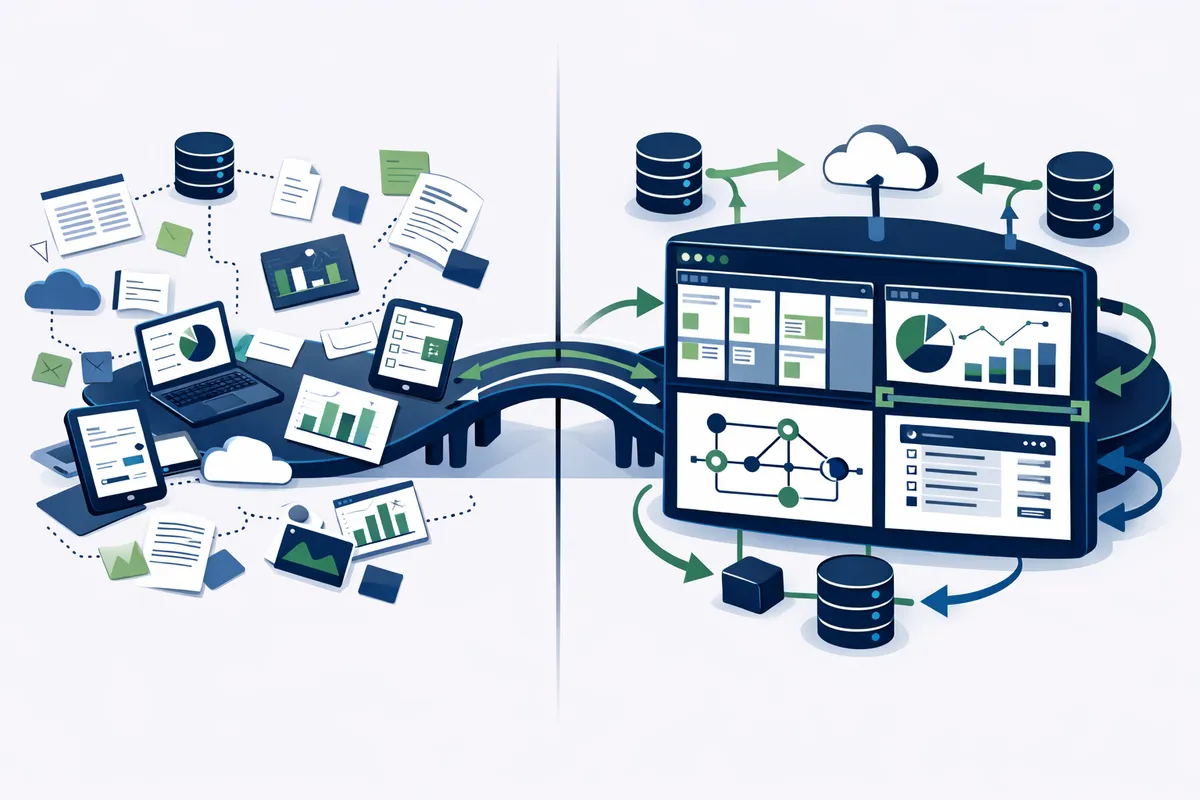
What We Build for Detroit Teams
Internal tools fall into categories based on what problem they solve.
Operational dashboards. Real-time visibility into the metrics that matter for your business. A Detroit logistics company sees fleet status, delivery progress, and exception alerts on one screen. A professional services firm sees project utilization, deadline status, and resource allocation. A manufacturing startup sees production throughput, quality metrics, and inventory levels. The dashboard shows what your team needs to know right now, not what a generic analytics platform thinks you might want to see.
Admin panels. Backend management interfaces that let your team manage data, configure settings, and handle exceptions without needing developer support. Customer account management, product configuration, content management, and system administration tasks that would otherwise require database access or developer time become self-service through a purpose-built admin panel.
Workflow management tools. Process-specific applications that guide your team through multi-step workflows. Client onboarding sequences with automatic task creation, document collection, and status tracking. Order processing pipelines with approval gates, quality checks, and automatic notifications. Equipment maintenance schedules with inspection checklists, work order generation, and parts tracking.
Data integration hubs. Central tools that connect your existing systems and synchronize data between them. Your CRM, accounting software, project management platform, and email marketing tool all stay in sync. Data entered in one system appears in all others that need it. Manual data transfer between systems is eliminated.
Customer lookup and context tools. Single-screen views that consolidate everything you know about a customer from every system. When a customer calls, your team sees their account history, recent orders, open support tickets, payment status, and previous conversations in one view. Response time drops. Customer experience improves. The conversation starts from understanding rather than investigation.
The Development Process for Internal Tools
Internal tool development follows a different process than customer-facing product development. Internal tools succeed when they match the team's workflow precisely. That requires understanding the workflow deeply before writing any code.
Observation phase. We spend time with your team watching how they actually work. Not how the process manual says they work. How they actually work. The workarounds, the shortcuts, the informal communication channels, the sticky notes on monitors. This observation reveals requirements that interviews miss because teams have normalized their workarounds to the point where they no longer think of them as problems.
We sit with the person who builds the Monday morning report and document every step. We watch the customer service team handle inquiries and time every system switch. We observe the operations manager's process for handling exceptions. This phase typically takes three to five days and produces a workflow map that becomes the blueprint for the tool.
Design with the team. Internal tools require user involvement in design. Unlike consumer products where you design for an anonymous audience, internal tools are designed for specific people with specific needs. We build wireframes and walk through them with the team members who will use the tool daily. Their feedback shapes the interface before development begins.
This co-design process also builds buy-in. A tool that the team helped design is a tool the team will use. A tool imposed from above meets resistance regardless of how well it is built.
Incremental delivery. We build the highest-value feature first, deploy it, and let the team use it in production. Their experience with the first feature refines the requirements for subsequent features. A reporting dashboard might launch with three key metrics. After two weeks of use, the team requests two additional metrics and a different time range selector. Those adjustments are straightforward because we designed for iteration.
Integration architecture. Internal tools derive much of their value from connecting to existing systems. We build clean API integrations that pull data from your CRM, push updates to your project management tool, synchronize with your accounting software, and connect to any other system your team uses. These integrations are built with error handling and monitoring so that data synchronization is reliable and failures are visible.
Technology Choices for Internal Tools
The technology stack for internal tools prioritizes reliability, maintainability, and development speed over cutting-edge novelty.
Web-based by default. Internal tools are almost always web applications. No app store approvals. No installation requirements. Works on any device with a browser. Updates deploy instantly to every user. Web-based tools eliminate the deployment friction that kills adoption.
Modern frameworks. We build with React and Next.js for the frontend, Node.js or Python for the backend, and PostgreSQL for data storage. These choices mean your tool can be maintained by any competent developer, not just the team that built it. There is no vendor lock-in and no proprietary technology dependency.
Authentication and access control. Role-based access ensures each team member sees only what they need and can perform only the actions appropriate to their role. Managers see different dashboards than individual contributors. Approvers see approval queues. Administrators configure system settings. Single sign-on integration with your existing identity provider (Google Workspace, Microsoft 365, Okta) means no additional passwords for your team.
Low-code foundations where appropriate. Some internal tools are well-served by platforms like Retool, Appsmith, or Budibase that accelerate development for standard CRUD interfaces and dashboards. We use these tools when they fit the requirement, saving development cost without sacrificing functionality. For unique workflow requirements that exceed what low-code platforms can handle, we build custom.
Internal Tools for Detroit's Key Industries
Detroit's industry mix creates specific internal tool opportunities.
Automotive supply chain. Supplier scorecards, quality tracking, PPAP documentation management, and delivery performance dashboards. These tools integrate with ERP systems and provide visibility that generic project management tools cannot offer for automotive-specific workflows.
Mobility and transportation. Fleet management dashboards, route optimization interfaces, driver scheduling tools, and real-time tracking panels. Detroit's mobility startups need internal tools that handle the operational complexity of coordinating vehicles, drivers, and customers across the metro area.
Professional services. Resource allocation boards, project profitability trackers, utilization dashboards, and client communication logs. Firms in the Renaissance Center and New Center need tools that connect time tracking, billing, and project management into unified views.
Manufacturing. Production scheduling boards, quality inspection checklists, maintenance work order systems, and inventory management dashboards. The manufacturing companies along Detroit's automotive corridor need tools that connect shop floor operations to business management.
Measuring Internal Tool Impact
Internal tools are investments. Measure them accordingly.
Time savings. Measure the time your team spends on the tasks the tool automates, before and after deployment. A tool that saves each team member two hours per week across a ten-person team saves 1,040 hours annually. At $30 per hour, that is $31,200 in annual labor value recovered.
Error reduction. Track error rates for the processes the tool manages. Manual processes typically have 1 to 3% error rates. Automated processes with validation reduce errors to near zero. Each eliminated error saves the correction time, the customer impact, and the reputational cost.
Decision speed. How quickly can your leadership access the information they need to make decisions? If the Monday morning report now updates in real time, decisions that previously waited until Wednesday can happen on Monday. Faster decisions create competitive advantage that is difficult to quantify but impossible to ignore.
Process compliance. Track the percentage of process steps completed correctly before and after tool deployment. For regulated industries or quality-focused operations, improved compliance reduces audit risk and customer-facing errors.
FAQs
Q: How much does a custom internal tool cost?
Simple tools (dashboards, data viewers, basic CRUD interfaces) cost $5,000 to $15,000. Moderate tools (workflow management, multi-system integration, role-based access) cost $15,000 to $40,000. Complex tools (real-time data processing, advanced business logic, multiple integrated workflows) cost $40,000 to $100,000. Detroit development rates make these projects 30 to 50% less expensive than comparable work in coastal markets.
Q: How long does it take to build an internal tool?
Simple tools deploy in two to four weeks. Moderate tools take four to eight weeks. Complex tools take eight to sixteen weeks. We deploy incrementally, so your team starts using the first features while subsequent features are still in development.
Q: Should we use a low-code platform or build custom?
Low-code platforms (Retool, Appsmith) are excellent for standard admin panels, data dashboards, and CRUD interfaces. They reduce development time by 50 to 70% for appropriate use cases. Custom development is necessary when your workflow has unique logic, complex integrations, or performance requirements that exceed what low-code platforms support. Many Detroit businesses benefit from a hybrid approach: low-code for standard interfaces, custom code for unique workflows.
Q: What about maintenance after the tool is built?
Plan for ongoing maintenance of 10 to 15% of the initial build cost annually. This covers bug fixes, minor feature additions, security updates, and infrastructure management. As your business processes evolve, the tool evolves with them. Annual maintenance is significantly less expensive than the ongoing workaround costs the tool eliminated.
Q: How do we ensure our team actually uses the new tool?
Adoption depends on three factors. First, the tool must be genuinely easier than the current process. If it adds steps instead of removing them, people will not use it. Second, involve the team in design so the tool reflects their actual workflow. Third, make the old process impossible to continue. Retire the shared spreadsheet. Disable the manual report template. When the tool is the only path, adoption is not optional.
[Discuss Your Internal Tool] [View Detroit Tool Examples]