Understanding WCAG and ADA Requirements
The Americans with Disabilities Act requires that places of public accommodation be accessible to people with disabilities. Federal courts have consistently ruled that websites qualify. The Department of Justice has formalized this interpretation for government entities, and private sector enforcement follows the same trajectory.
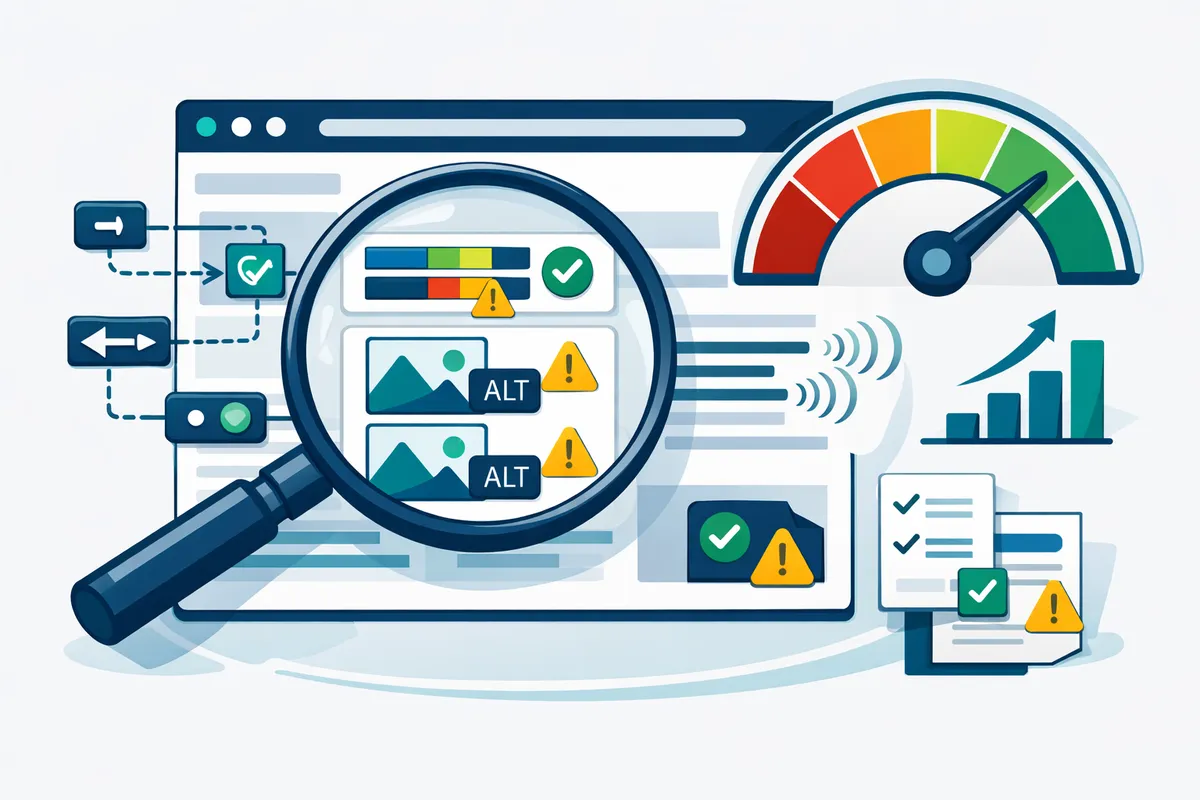
The Web Content Accessibility Guidelines (WCAG) provide the technical standard. WCAG 2.1 AA is the benchmark most legal settlements specify. The guidelines organize around four principles:
Perceivable. Information must be presented in ways users can perceive. Alt text for images, captions for video, sufficient color contrast (minimum 4.5:1 ratio for normal text), and text alternatives for non-text content.
Operable. All functionality must work via keyboard alone. Users need enough time to read content. Nothing should flash more than three times per second. Navigation must be consistent and predictable.
Understandable. Content must be readable. Forms need clear labels and error messages. Language should be identified in the HTML. Input assistance should prevent and correct mistakes.
Robust. Content must work reliably across assistive technologies. Valid HTML, proper ARIA attributes, and compatibility with screen readers like JAWS, NVDA, and VoiceOver.
For New York startups building on modern frameworks like React or Next.js, many of these requirements are achievable through proper component architecture and thoughtful design decisions made early in development.
Common Accessibility Issues in New York Startup Websites
An automated scan catches approximately 30 to 40% of WCAG violations. The rest require manual testing with assistive technologies. Here are the issues we find most frequently when auditing New York startup websites:
Missing or decorative alt text on meaningful images. Every image that conveys information needs descriptive alt text. Logos, product photos, infographics, and screenshots all require alt attributes that describe what the image communicates. Stock photos used for decoration can use empty alt attributes (alt=""), but functional images cannot.
Insufficient color contrast. WCAG 2.1 AA requires a minimum contrast ratio of 4.5:1 for normal text and 3:1 for large text. Many New York startup brand palettes fail this test, particularly light grays on white backgrounds and colored text on colored backgrounds that look trendy but exclude users with low vision.
Forms without proper labels. Placeholder text inside input fields is not a label. Screen readers need explicit label elements associated with each form control. Floating labels that disappear on focus create problems for users with cognitive disabilities who lose context about what the field requires. This is especially common in New York fintech and SaaS startups that build registration flows optimized for visual appeal over accessibility.
Keyboard navigation dead ends. Custom dropdown menus, modal dialogs, and hamburger menus built without keyboard support trap users who cannot use a mouse. Tab through your entire site without touching your mouse. If you get stuck or lost, so do your users.
Missing skip navigation links. Screen reader users hear every navigation link on every page load unless you provide a "Skip to main content" link. This is one of the simplest fixes and one of the most commonly missing.
Video and audio without captions or transcripts. Auto-generated captions from YouTube are approximately 70 to 80% accurate, which is not sufficient for compliance. Product demo videos, founder story videos, and webinar recordings all need professional captions or verified auto-captions.
Dynamic content that fails to announce updates. Single-page applications that update content without a full page reload need ARIA live regions to alert screen readers. Toast notifications, form validation messages, and loading states all require proper announcement. This is common in New York SaaS startups building complex dashboards and real-time interfaces.
Building Accessibility Into Your Design System
Retrofitting accessibility onto a finished website costs 10 to 30% of the original build. Building it in from the start costs 1 to 3% of total development budget. The math is clear for New York startups watching every dollar of runway.
Start with semantic HTML. Use nav, main, article, aside, header, and footer elements. These landmarks give screen readers a map of your page structure. A div with a click handler is not a button. Use button elements for actions and anchor elements for navigation.
Build an accessible color system. Test every color combination in your palette for contrast compliance before finalizing your brand guidelines. Create a contrast matrix that shows which colors can pair for text and background. This prevents designers from accidentally creating inaccessible combinations. Many Brooklyn and SoHo design agencies skip this step in favor of aesthetics.
Design focus states explicitly. The default browser focus ring is functional but often removed for aesthetic reasons. Replace it with a visible, on-brand focus indicator that meets the 3:1 contrast requirement. Every interactive element needs a visible focus state.
Create accessible component patterns. Build your modal, dropdown, accordion, tab, and tooltip components with keyboard support and ARIA attributes from the first version. When your website uses a shared component library, accessibility becomes automatic rather than an afterthought.
Write an accessibility style guide. Document your heading hierarchy rules (one H1 per page, no skipped levels), alt text guidelines, link text requirements (no "click here"), and color usage rules. Give this guide to every developer and content creator who touches your site.
Automated Testing and Monitoring
Manual accessibility audits are essential but expensive at $2,000 to $10,000 per audit depending on site complexity. Automated tools catch a subset of issues continuously between manual reviews.
Axe DevTools integrates into your browser and CI/CD pipeline. It catches approximately 57% of WCAG violations automatically and produces actionable error reports. Running Axe in your build pipeline prevents new violations from reaching production.
Lighthouse Accessibility Audit is built into Chrome DevTools and scores your pages on a 0 to 100 scale. Scores above 90 indicate strong automated compliance, though a perfect score does not guarantee full WCAG conformance because many criteria require human judgment.
Pa11y runs automated tests against a list of URLs and integrates with CI systems to block deployments when accessibility scores drop below a threshold.
WAVE (Web Accessibility Evaluation Tool) provides a browser extension that overlays accessibility information directly on your page.
For ongoing monitoring, combine automated scans running on every deployment with quarterly manual audits using real assistive technology.
The Business Case Beyond Legal Risk
Accessibility improvements deliver measurable business outcomes beyond lawsuit prevention for New York startups.
SEO benefits. Many accessibility practices directly improve search rankings. Alt text helps Google understand images. Proper heading hierarchy helps crawlers parse content structure. Semantic HTML improves content indexability. Businesses that implement WCAG guidelines often see a 12 to 15% improvement in organic search traffic from the structural improvements alone.
Conversion rate improvements. Clear form labels, logical navigation, readable text, and fast-loading pages benefit all users. Accessible websites have an average of 50% lower bounce rates than comparable inaccessible sites. In New York's competitive market, where customer acquisition costs are high, improving conversion rates through accessibility pays for itself quickly.
Mobile performance. WCAG requirements around touch targets (minimum 44x44 CSS pixels), readable text without zooming, and logical content flow directly improve the mobile experience. New York commuters browsing on the subway, in coffee shops, and between meetings make mobile optimization essential. Accessibility and mobile optimization share significant overlap.
Enterprise readiness. For New York startups selling to enterprise clients on Wall Street, in Midtown, or through the city's massive healthcare and government sectors, accessibility compliance is often a procurement requirement. Building accessible from the start removes a barrier to enterprise sales.
Remediation Roadmap for Existing New York Startup Websites
If your site is already live with accessibility gaps, here is a prioritized approach:
Week 1-2: Critical fixes. Address issues that completely block access. Missing form labels, keyboard traps, missing alt text on functional images, and color contrast failures on primary CTAs. These are the violations most likely to trigger legal complaints in New York.
Week 3-4: Structural improvements. Add proper heading hierarchy, landmark regions, skip navigation, and language attributes. Fix focus management in modals and dynamic content.
Month 2: Content remediation. Add captions to all videos. Write alt text for remaining images. Review link text for clarity. Ensure PDFs and downloadable documents are accessible.
Month 3: Testing and documentation. Conduct a full manual audit with screen readers. Document your accessibility statement. Establish ongoing testing processes and train your content team.
Ongoing. Run automated scans on every deployment. Schedule quarterly manual reviews. Update your accessibility statement annually. Train new team members during onboarding.
Accessibility Overlays Do Not Work
Accessibility overlay products that add a toolbar widget to your site do not achieve WCAG compliance. Multiple court rulings have rejected overlay solutions as adequate remediation. The National Federation of the Blind has explicitly opposed overlay products. These tools can actually introduce new accessibility barriers by interfering with assistive technology.
New York startups sometimes adopt overlay solutions because they appear fast and cheap. They are neither. When a lawsuit arrives, overlay vendors do not provide legal protection. Genuine compliance requires fixing the underlying code, not adding a cosmetic layer on top.
FAQ
Q: How much does ADA compliance cost for a New York startup website?
For a new build, adding WCAG 2.1 AA compliance typically adds 1 to 3% to the total development cost, roughly $500 to $3,000 on a $30,000 to $100,000 project. Remediating an existing site ranges from $2,000 for a simple 5-page site to $15,000 or more for complex web applications with dynamic content, custom forms, and multimedia. Ongoing monitoring runs $100 to $500 per month depending on site size and update frequency.
Q: Can my New York startup get sued for an inaccessible website even if we are small?
Yes. ADA web accessibility lawsuits have targeted businesses of all sizes in New York, including sole proprietors and early-stage startups. Plaintiffs' attorneys use automated scanning tools to identify violations across thousands of websites, then file demand letters in bulk. New York's plaintiff-friendly courts make the state a preferred filing jurisdiction. Business size is not a defense.
Q: Is WCAG 2.1 AA the only standard I need to meet?
WCAG 2.1 AA is the standard most courts and settlement agreements reference. WCAG 2.2 was published in October 2023 with nine new success criteria. While courts have not yet widely adopted 2.2, building to the newer standard future-proofs your compliance. New York startups working with government agencies or receiving public funding face additional requirements under Section 508, which aligns closely with WCAG standards.
Q: Do accessibility overlays and widgets actually work?
No. Accessibility overlay products do not achieve WCAG compliance. Multiple court rulings, including cases originating in New York, have rejected overlay solutions as adequate remediation. The National Federation of the Blind opposes overlay products. These tools interfere with assistive technology and create a false sense of compliance. Genuine compliance requires fixing the underlying code.
Q: How do I write an accessibility statement for my website?
Include your conformance target (WCAG 2.1 AA), the date of your most recent audit, known limitations, a contact method for users to report accessibility issues, and your timeline for addressing reported problems. Place it in your footer navigation. A transparent statement that acknowledges ongoing work is better than no statement at all. Update it after each audit.
Q: What is the fastest way to test if my current site has major issues?
Run three quick tests. First, tab through your entire homepage using only your keyboard. If you cannot reach every interactive element or get trapped, you have critical issues. Second, run the free WAVE browser extension and review the red error icons. Third, turn on VoiceOver (Mac) or NVDA (Windows, free download) and try to navigate your homepage by listening only. These three tests take under 30 minutes and reveal the most impactful problems.