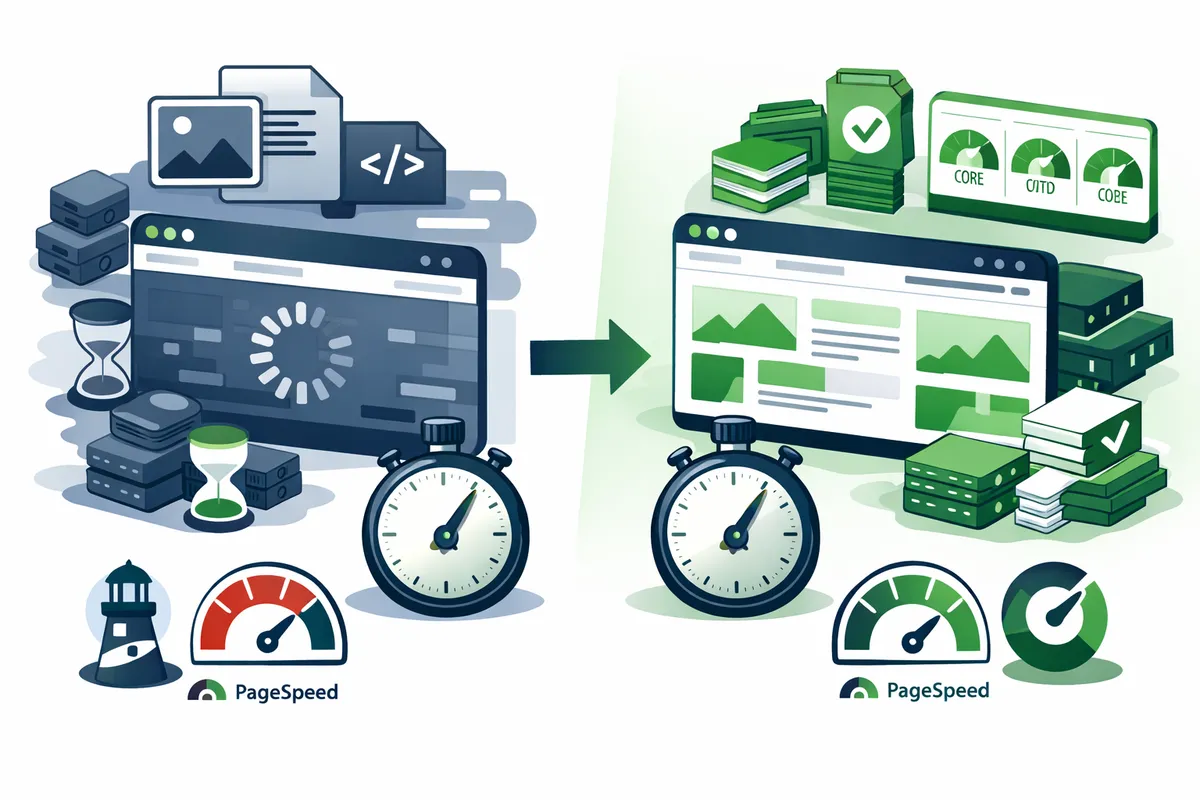
Why Speed Matters More in the New York Market
New York dominates in fintech, media tech, ad tech, fashion tech, and real estate tech. The presence of Wall Street, Madison Avenue, and the world's largest media companies creates demand for startups and businesses building in these sectors. Across all these industries, website performance directly impacts revenue.
Mobile users browsing during subway commutes between Midtown and Brooklyn, checking sites during lunch breaks in Flatiron, or researching services while walking through SoHo have zero patience for slow pages. New York's mobile traffic patterns are distinct. Commute hours see massive spikes in mobile browsing on cellular networks that are often congested. A site that loads in 2 seconds on office WiFi in Hudson Yards might take 5 seconds on a crowded subway platform in Times Square. Optimizing for real-world New York conditions means testing on throttled connections, not just gigabit office WiFi.
Startups competing in the New York market cannot afford the conversion losses that slow websites create. Every improvement in load time translates to measurable revenue gains. A Chelsea-based SaaS startup we worked with saw a 19% increase in demo bookings after reducing their homepage load time from 4.2 seconds to 1.8 seconds. The optimization cost less than one month of their Google Ads budget.
Image and Media Optimization
Images account for an average of 50% of total page weight. Unoptimized images are the single most common performance problem we encounter in New York site audits.
Format Selection
WebP reduces file size by 25 to 35% compared to JPEG with equivalent visual quality. Browser support exceeds 97% in 2026. WebP should be your default image format for photographic content.
AVIF reduces file size by 40 to 50% compared to JPEG. Browser support is growing (92% in 2026). Use AVIF as a progressive enhancement with WebP and JPEG fallbacks.
SVG for logos, icons, and simple illustrations. Vector format means zero quality loss at any size with file sizes typically under 5KB.
Responsive Images
A mobile user on a 375px screen should never download a 2000px desktop image. Responsive images serve the right size for each screen using srcset and sizes attributes. A hero image that is 400KB on desktop becomes 80KB on mobile. For a page with 10 images, responsive delivery can reduce total image weight from 4MB to under 800KB on mobile devices. For New York businesses where mobile traffic during commute hours represents a significant share of visits, this optimization directly impacts how many visitors see your content.
Lazy Loading
Images below the fold should not load until the user scrolls near them. Native lazy loading with the loading="lazy" attribute handles this without JavaScript. The first visible screen of content should load eagerly for fast LCP. A content-heavy blog with 15 images per post reduced initial page weight from 8.2MB to 1.1MB by lazy loading all images below the first two. Page load time dropped from 7.4 seconds to 2.1 seconds on mobile.
Video Optimization
Background videos and hero animations look impressive but can devastate page speed. A 30-second autoplay hero video can add 10 to 50MB to your page weight. Optimization strategies include using poster images that display immediately while video loads, streaming video from CDNs rather than self-hosting, compressing video to appropriate bitrates, and replacing autoplay video with animated WebP or CSS animations where possible.
Caching and CDN Strategy
Caching reduces server load and dramatically speeds up repeat visits and page-to-page navigation.
Browser Caching
Browser caching stores static assets locally so they do not need to be re-downloaded on every page view. Static assets (images, fonts, compiled CSS/JS) should have cache lifetimes of 1 year with content-hash filenames that change when the file changes. HTML pages should have short cache times or no-cache directives with revalidation.
A visitor loading your homepage for the first time downloads 1.5MB of assets. On their second page view, proper caching means they download only 50 to 100KB. Navigation feels nearly instant. For New York businesses with repeat visitors checking pricing, portfolios, or service pages, this caching strategy dramatically improves the experience.
CDN (Content Delivery Network)
CDNs distribute your content across global edge servers so visitors load assets from the nearest location. For New York businesses, CDNs serve assets from East Coast edge servers at minimal latency rather than from distant origin servers. CloudFront, Cloudflare, and Fastly are the leading providers.
CDN configuration matters as much as CDN selection. Aggressive caching of static assets, proper cache invalidation when you deploy updates, and edge-level compression (Brotli or gzip) maximize CDN benefit.
Stale-While-Revalidate
For dynamic content (product prices, inventory status, personalized recommendations), the stale-while-revalidate pattern serves cached content instantly while updating the cache in the background. Visitors get fast responses with data that is at most a few seconds old. This pattern is particularly valuable for e-commerce sites and SaaS dashboards serving New York customers who expect real-time data without sacrificing speed.
Code and Rendering Optimization
JavaScript and CSS directly impact how quickly your site becomes interactive and visually complete.
JavaScript Optimization
Modern websites average 400 to 600KB of JavaScript. Every byte must be downloaded, parsed, compiled, and executed before the browser can respond to user interaction.
Code splitting ensures visitors download only the JavaScript needed for the current page. A visitor on your homepage should not download the JavaScript for your checkout flow. Route-based code splitting reduces initial JavaScript by 40 to 70%.
Tree shaking removes unused code from your JavaScript bundles. Importing a utility library to use one function should not add the entire library to your bundle.
Third-party script management is often the biggest JavaScript performance issue. A typical New York business site loads Google Analytics, Tag Manager, a chat widget, social media embeds, and an advertising pixel. Each adds 50 to 300KB of JavaScript. Loading these scripts asynchronously and deferring non-critical scripts until after the page is interactive prevents them from blocking the user experience.
A Tribeca accounting firm's site loaded 1.2MB of JavaScript on every page: Google Tag Manager loaded 8 tags, a chat widget added 280KB, social share buttons added 150KB, and an unused A/B testing library added 120KB. Deferring non-critical scripts, removing the unused library, and lazy-loading the chat widget reduced JavaScript to 340KB. INP improved from 450ms to 90ms.
CSS Optimization
Critical CSS is the CSS needed to render the above-the-fold content. Inlining this CSS (typically 10 to 15KB) in the HTML head eliminates a render-blocking network request and lets the browser paint the initial view immediately.
Unused CSS removal is significant on sites built with frameworks where the full framework CSS (200 to 400KB) is included but only 10 to 20% is actually used. PurgeCSS or Tailwind's built-in purging removes unused styles from production builds.
Server-Side Rendering and Static Generation
Static Site Generation (SSG) pre-renders pages at build time. The server delivers complete HTML instantly with no runtime computation. Perfect for content that changes infrequently: marketing pages, blog posts, documentation.
Server-Side Rendering (SSR) generates HTML on each request. Necessary for pages with personalized content or real-time data. SSR is slower than SSG but faster than client-side rendering for initial page load.
Incremental Static Regeneration (ISR) combines SSG speed with content freshness. Pages are statically generated but can be revalidated on a schedule or on-demand. A product page generated statically serves in under 100ms while updating its content every 60 seconds. The optimal strategy depends on your content type. Most New York business sites benefit from SSG for marketing pages, SSR for dynamic application pages, and ISR for content that updates periodically.
Server and Infrastructure Optimization
Server Response Time
Time to First Byte (TTFB) measures how long the server takes to begin sending a response. Target under 200ms for static content and under 500ms for dynamic content.
Database query optimization is the most common server-side bottleneck. A single unindexed query on a 100,000-row table can add 2 to 5 seconds to page generation. Adding proper indexes, implementing query caching, and using connection pooling typically reduce database response times by 60 to 80%.
Server-side caching with Redis or Memcached stores frequently accessed data in memory rather than querying the database on every request. A product listing page that queries 50 products from the database on every request can serve the same results from cache in under 1ms instead of 200ms.
Compression
Brotli compression reduces text-based asset sizes by 15 to 25% more than gzip. All modern browsers support Brotli. A 400KB JavaScript bundle compresses to 120KB with gzip and 95KB with Brotli. Over thousands of page loads, that difference reduces bandwidth costs and improves load times measurably.
Measuring and Monitoring Performance
Optimization without measurement is guesswork. Establish baselines, make changes, and verify improvements with data.
Lab Testing Tools
Google PageSpeed Insights provides both lab data (simulated conditions) and field data (real user metrics from Chrome users). Run this on every page template after each optimization cycle.
Google Lighthouse offers detailed performance audits with specific recommendations and estimated savings for each issue.
WebPageTest provides waterfall charts showing exactly when each asset loads, which requests block rendering, and where time is spent during page load.
Real User Monitoring
Lab tests simulate ideal conditions. Real user monitoring shows how actual New York visitors experience your site across diverse devices, network speeds, and locations. A site that scores perfectly in lab tests might still have problems for users on congested cellular networks in Midtown or older devices in outer boroughs.
Google Search Console's Core Web Vitals report aggregates real user data and identifies pages that pass or fail each metric. This data directly influences your search rankings.
Performance Budgets
Set performance budgets that define maximum acceptable values for key metrics. Total page weight under 1.5MB, JavaScript under 300KB, LCP under 2.5 seconds, INP under 200ms. Automated checks in your build process catch regressions before they reach production. Performance degrades over time as new scripts are added, content grows, and dependencies update. Regular monitoring catches regressions before they impact rankings or conversions.
Why New York Businesses Choose Running Start Digital
We treat performance as a core feature, not an afterthought addressed when someone complains about slow pages. Our site speed optimization service combines technical auditing with real-world testing under New York network conditions to deliver measurable improvements in load time, Core Web Vitals scores, and conversion rates.
Our optimization process includes comprehensive audit of current performance with page-by-page analysis, prioritized recommendations ranked by impact and implementation effort, implementation of technical optimizations across images, code, caching, and infrastructure, before-and-after measurement with documented results, and ongoing monitoring to prevent performance regression.
We have optimized sites for businesses across Manhattan, Brooklyn, Queens, and the broader New York metro. From SaaS dashboards in Flatiron to e-commerce stores in SoHo, from professional services sites in Midtown to startup landing pages in Dumbo, we know the performance standards that New York's demanding market requires.
Fast websites rank higher, convert better, and cost less to operate. Combined with our SEO services, conversion optimization, and web hosting infrastructure, we deliver a complete performance stack that produces results you can measure in your analytics and your revenue.
Frequently Asked Questions
Q: How much faster can my New York business website realistically get?
Most unoptimized business sites can improve load times by 40 to 70% through standard optimization techniques. A site loading in 5 seconds typically reaches 1.5 to 2.5 seconds after comprehensive optimization. The specific improvement depends on your starting point. Sites with large unoptimized images and render-blocking scripts see the biggest gains. Sites already partially optimized see incremental but still meaningful improvements.
Q: How long does website speed optimization take?
A comprehensive optimization cycle takes 2 to 4 weeks. Week 1 is auditing and prioritization. Weeks 2 to 3 are implementation. Week 4 is testing and verification. Quick wins (image optimization, caching configuration) can show results within days. Deeper structural changes (code splitting, server-side rendering) take longer but deliver larger improvements.
Q: Will speed optimization break my website design or features?
It should not if done properly. The goal is making your existing site faster, not changing its appearance or functionality. We test thoroughly in a staging environment before applying changes to your live site. In rare cases, optimizations like lazy loading or async script loading require minor adjustments to ensure all features work correctly with the new loading behavior.
Q: Does website speed really affect Google rankings?
Yes. Google confirmed Core Web Vitals as a ranking signal in 2021 and has increased their weight since then. In competitive New York search results where multiple sites have similar content quality and backlink profiles, the faster site wins. Speed is rarely the deciding factor between position 1 and position 50, but it regularly determines position 3 vs position 8 among otherwise comparable sites.
Q: How often should I audit my website performance?
Run a comprehensive performance audit quarterly. Monitor Core Web Vitals through Google Search Console monthly. Check individual pages after adding new features, third-party scripts, or significant content. Performance degrades over time as new scripts are added, content grows, and dependencies update. Regular monitoring catches regressions before they impact rankings or conversions.
Q: What is the ROI of website speed optimization?
Speed optimization typically delivers 10 to 30% improvement in conversion rates. For a New York site generating $50,000 per month in revenue, a 15% conversion improvement adds $7,500 per month in additional revenue from the same traffic volume. The optimization investment typically pays for itself within 30 to 60 days. Beyond direct conversion impact, improved search rankings from better Core Web Vitals scores drive additional organic traffic that compounds the return over time.